
Shop the brands we install
Security System Service
If we fix a minor issue during the visit, $125 covers the visit and the fix. If a larger repair is needed and you hire us to complete it, we waive the diagnostic fee.
Intrusion Takeover
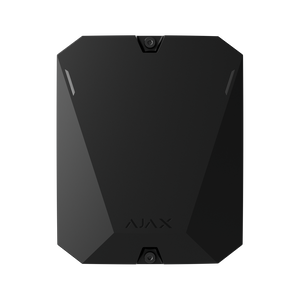
Keep compatible wired sensors. A typical Ajax takeover uses one Hub 2, one MultiTransmitter, and one keypad. We test the zones and set up your app.
Camera System Upgrade
Replace a camera on usable existing cable for $75 in labor. Add $125 for a new Cat6 run or $125 to set up video content analytics (VCA) on a compatible camera.
New Alarm Installation
Build a new Ajax alarm around the doors, windows, and rooms you want to protect. Professional sensor installation starts at $75 per sensor.
New IP Camera Installation
Add $125 per new Cat6 run and $125 per camera that needs video analytics. Get 25% off CCTV labor when six or more cameras each need a new run.
Access Control Takeover
Take over an existing door access system. We check compatible controllers, readers, and locks, review credentials, and test door schedules with you.
New Access Control System
Set up a reader, staff credentials, and entry permissions for one door. Lock installation, cabling, and visitor intercom setup are quoted separately.
System Integration
Connect compatible alarms, cameras, and access control. For example, a forced-door event can alert staff and bring up the camera covering that entrance.
Intrusion alarms
What goes into an alarm system?

What runs the system?
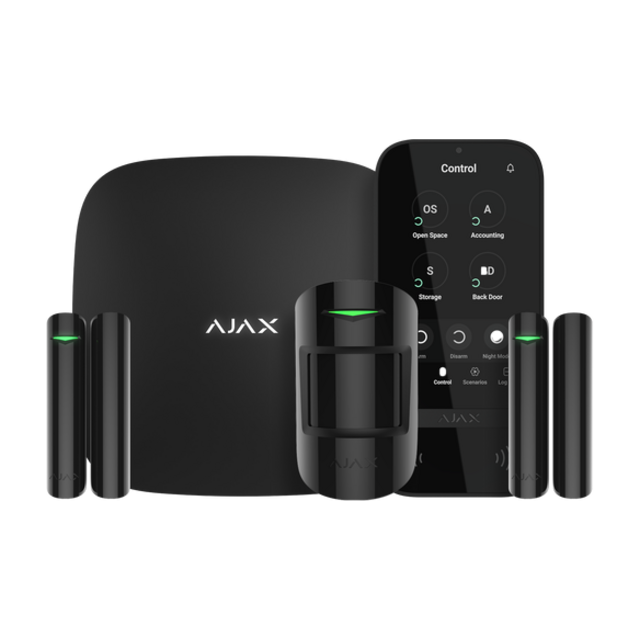
The hub connects your detectors and sends alerts to the Ajax app. If you already have an alarm, we check which wired devices can be reused before recommending replacements.

Which doors and windows should alert you?
A contact reports when a door or window opens. Two doors and four windows that open independently would take six contacts if you want an alert from each one.

Which rooms need motion detection?
A contact tells you a door opened. A motion detector can also alert you if someone crosses the hallway or enters the stockroom after closing.

What else would you like to monitor?
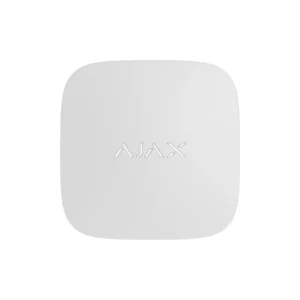
This FireProtect 2 model detects smoke, heat and carbon monoxide. LifeQuality measures carbon dioxide (CO₂), temperature and humidity, so you can check the air in rooms where people spend time.
Explore Ajax alarm equipment
CCTV cameras
What do you need to see on camera?

Where is a wide view enough?
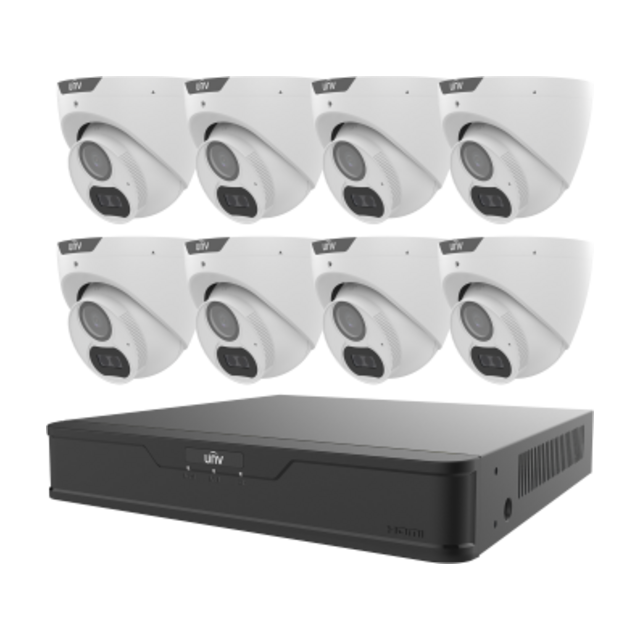
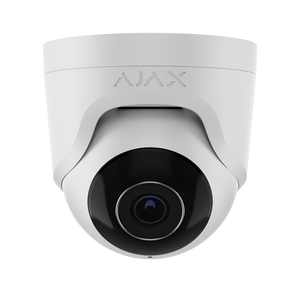
Start with one job for each camera. A fixed lens can show activity across a stockroom or a lobby. Ajax is our primary platform. A fixed 4MP Uniview turret is another option if you prefer its style or price.

Where would a closer view help?
At a delivery entrance, you may want to review who handled a parcel. An 8MP camera gives you more detail to work with. The Ajax varifocal lens lets us tighten the view on that doorway. Uniview has a fixed 8MP option.

How far back do you need to look?
If a package is reported missing on Monday, will Friday’s footage still be there? Choose a recorder for the number of cameras and a drive sized for the days you want to keep. We check both when planning the system.
Explore video surveillance equipment
Access control
What should happen when someone comes to the door?


Who needs a keycard?
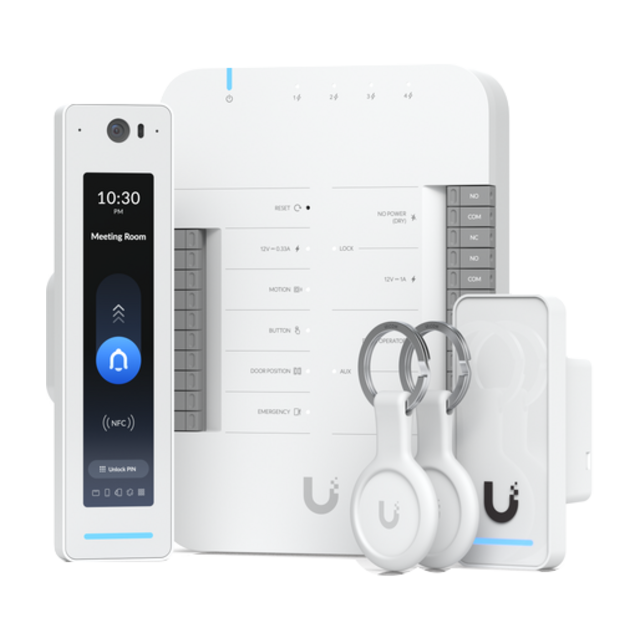
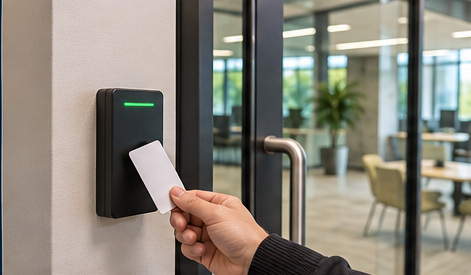
At a staff entrance, an employee taps an assigned card or fob. The reader sends it to the door controller, which checks that person’s access schedule before releasing the lock.

Do you need to see who entered?
Add a camera facing the entrance when a card record alone leaves questions. If a door opens after closing, you can compare the alarm time, the camera footage and the reader’s entry log.

Should visitors be able to call someone?
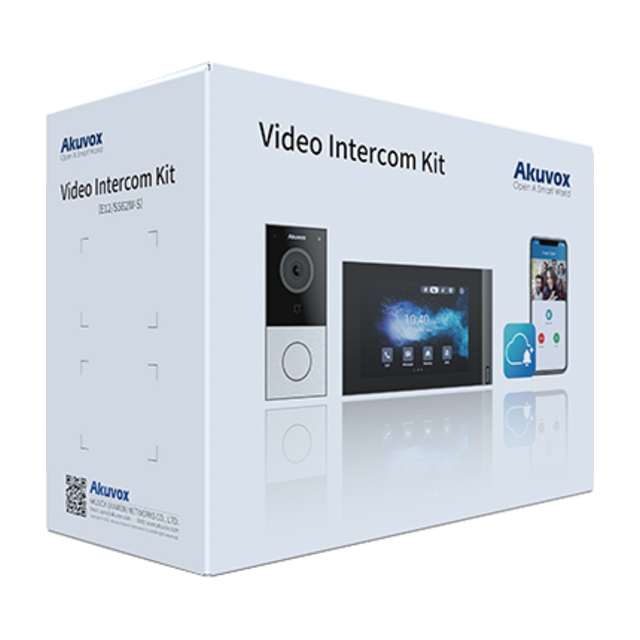
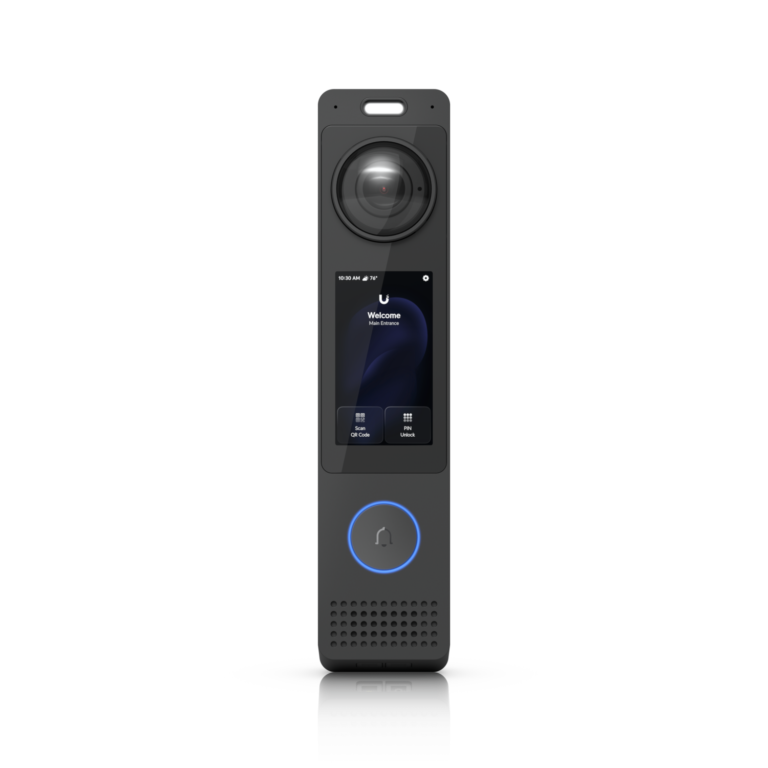
At a locked lobby, a driver presses the call button. Reception can see and speak with the visitor before deciding whether to unlock the door. Choose a UniFi or Akuvox station to suit the system and who will answer.

What else makes the door work?
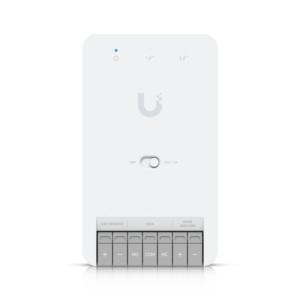
Behind the reader, a compatible controller operates the lock. A new opening also needs power, a way to exit and credentials for the people using it. On a takeover, we check which existing parts can stay.
Explore access control equipment