



Description
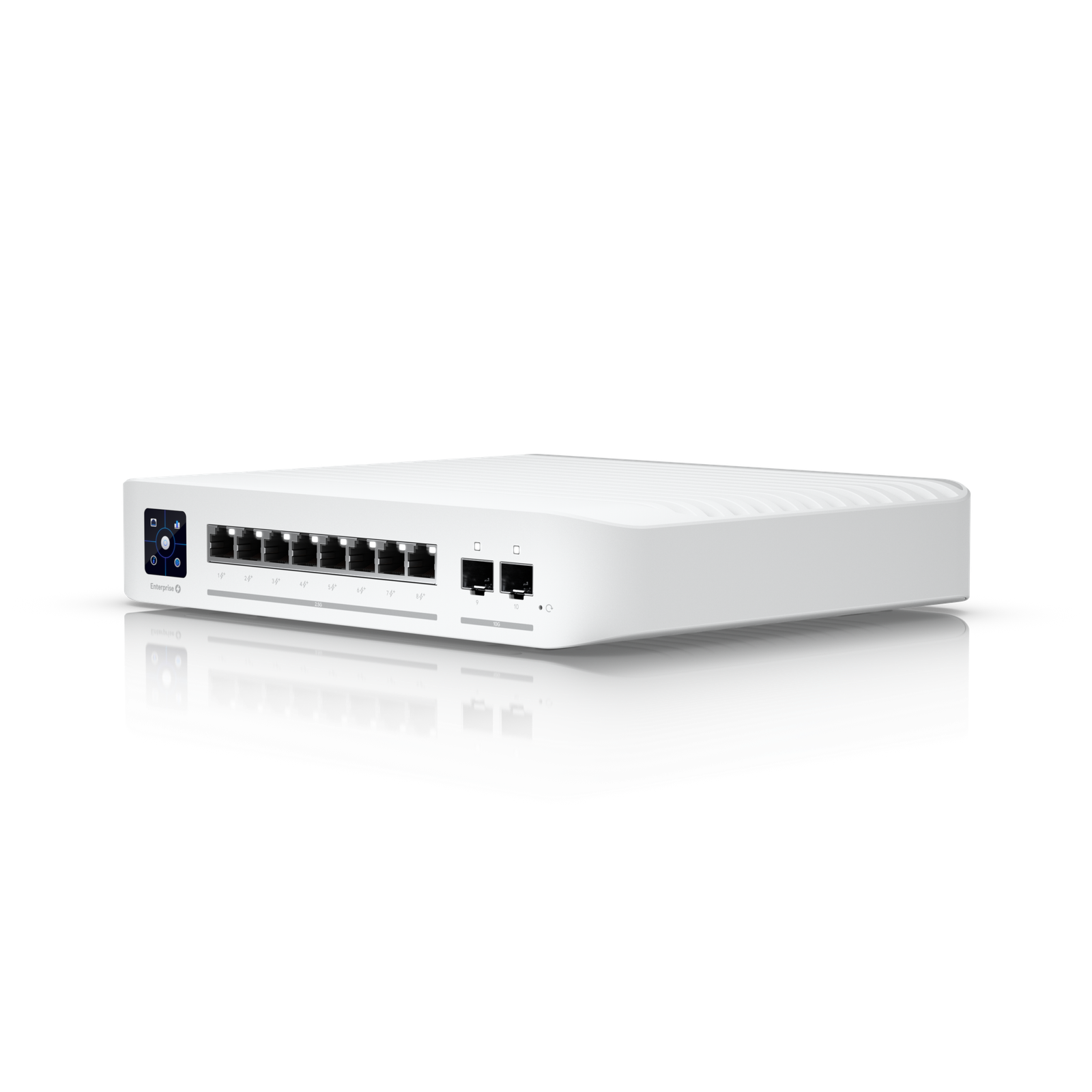
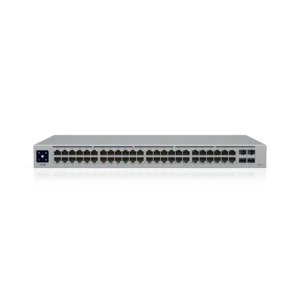
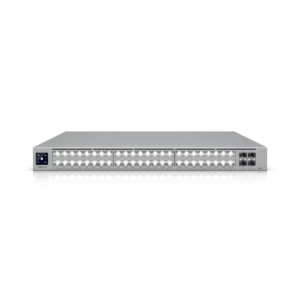
Ubiquiti USW-ENTERPRISE-8-POE Switch Enterprise 8 PoE (Vintage) Overview
Product Overview
Ubiquiti USW-ENTERPRISE-8-POE Switch Enterprise 8 PoE (Vintage) is a professional access credential from Ubiquiti for security control, access, alarm operation, and authorized user projects. It provides a credential option for authorized users, helping make access or alarm control faster and more consistent. It is useful for networks that need stable connectivity for cameras, phones, access points, computers, and other connected systems. A properly planned network product helps keep devices connected, improves serviceability, and gives the site a stronger foundation for future technology needs. The Ubiquiti USW-ENTERPRISE-8-POE Switch Enterprise 8 PoE (Vintage) should be planned around the real job site, not treated as a loose catalog item. For Access Credentials work, the important details are fit, compatibility, installation conditions, and long-term support. The product should be matched to the connected equipment, user workflow, service expectations, and maintenance plan. That planning helps avoid wrong accessories, weak placement, missing power, or configuration problems after installation. When the product is part of a larger system, the network, cabling, mounting location, and service plan should be reviewed together. This product is best used when the design, installation, and support plan are handled as one connected project.
What This Product Does
The Ubiquiti USW-ENTERPRISE-8-POE Switch Enterprise 8 PoE (Vintage) gives the customer a specific tool for the Access Credentials part of the project. It should be selected because it performs a useful job in the system, not just because the model number is available. Before purchase, the product should be matched to the job site, the connected devices, the user expectation, and the support plan. That makes the installation cleaner and helps reduce service issues after the product is in use.
- Product type: access credential.
- Brand: Ubiquiti.
- Best fit: Access Credentials projects.
- Key details: Model: USW-ENTERPRISE-8-POE; Ports: 8 ports / 2.5 GbE; PoE: PoE+; Uplink: 8 ports / 2.5 GbE; Layer: Layer 3; Form Factor: Rackmount.
Business Use Case
This product is a practical fit when a customer wants the Access Credentials portion of the system to be planned, installed, and supported correctly. It can be used in new installations, system upgrades, replacement projects, and service work where the customer needs dependable equipment that fits the rest of the design. The product should be reviewed with the full system in mind, including how users will interact with it, what equipment it connects to, and how the installation will be maintained.
Installation and Compatibility
Before installing the Ubiquiti USW-ENTERPRISE-8-POE Switch Enterprise 8 PoE (Vintage), confirm the power method, mounting location, cabling, network access, accessories, licensing, and compatibility requirements. If the product connects to a recorder, controller, phone system, network switch, alarm hub, audio/video system, or cloud service, those details should be checked before the job is scheduled. Planning these items in advance helps prevent registration issues, missing parts, weak placement, poor performance, or extra service visits.
- Power check: Confirm power source, PoE, adapter, battery, or related requirements.
- Mounting check: Confirm placement, brackets, surface type, and cable path.
- System check: Confirm compatibility with connected equipment and service platform.
- Setup check: Confirm programming, provisioning, user assignment, and testing needs.
- Documentation check: Save model, configuration, and installation notes for future support.
Professional Integration and Installation
Cloud 504 Technologies can evaluate this product for your location, integrate it with compatible equipment, configure it for the intended use, and test the completed installation. Required labor, cabling, licenses, mounts, accessories, and related equipment are quoted separately.
Related Cloud 504 Services
For system design and installation guidance, visit the related Cloud 504 service page or request a Cloud 504 quote for help selecting, installing, and integrating the complete solution.
Reviews
There are no reviews yet.