



Description
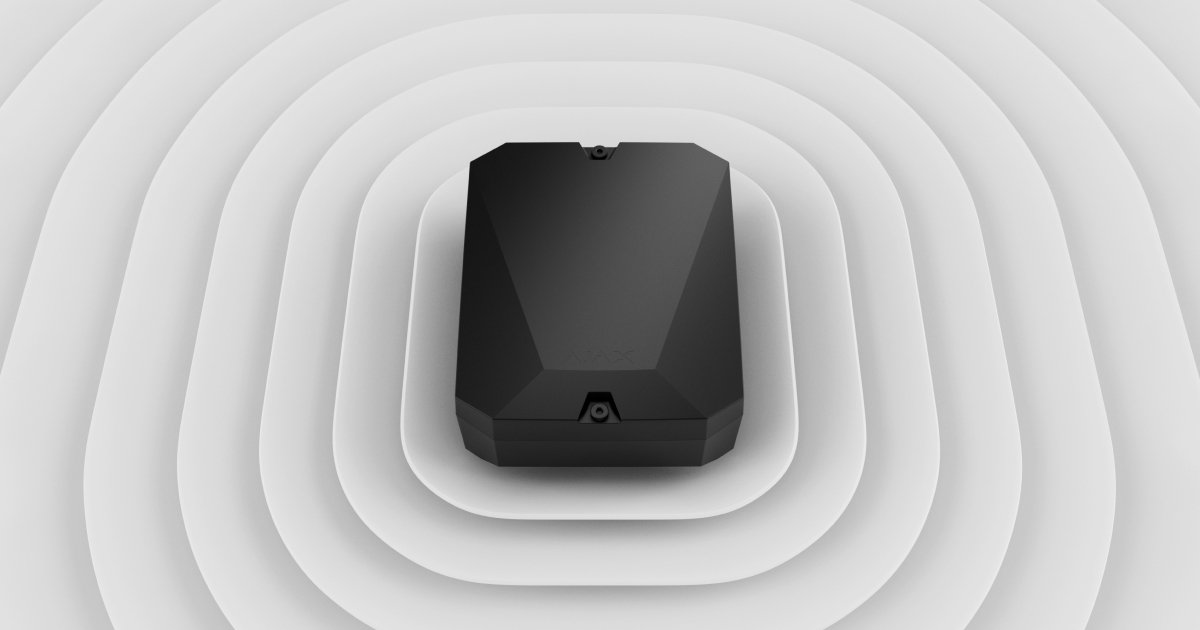
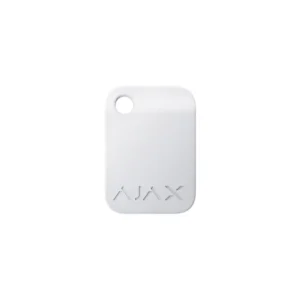
Ajax vhfBridge
Ajax vhfBridge is an Ajax security-system integration component.
Key Details
- Brand: Ajax
- Model: vhfBridge
Installation Considerations
Confirm compatibility with the intended Ajax system, connected equipment, installation location, and site requirements before deployment.
Professional Integration / Installation
Cloud 504 can help install, configure, and integrate compatible Ajax security components.
Contact Cloud 504 for compatibility and installation assistance.
Planning Ajax vhfBridge for a Professional Installation
Ajax vhfBridge should be evaluated as part of the complete system rather than as an isolated item. Confirm the intended application, mounting location, power, network or signal requirements, cabling, compatible accessories, licensing, and any supporting hardware before installation. The correct design should also account for service access, future expansion, and the way the customer will use the system every day.
Cloud 504 Technologies can review Ajax vhfBridge for compatibility with the existing environment and the proposed project design. Where applicable, that includes switches, routers, wireless networks, structured cabling, racks, UPS protection, cameras, access control, business phones, audio/video equipment, control systems, and cloud-managed services. Coordinating these pieces before deployment reduces incompatible purchases, missing accessories, unnecessary return visits, and avoidable downtime.
Installation, Configuration and Support
Professional installation includes more than mounting the hardware. Cloud 504 can help with physical installation, cable termination, network configuration, firmware, account or cloud setup, testing, labeling, documentation, and integration with related equipment. For existing systems, we can also assess which components can remain in service and which upgrades would provide a meaningful improvement in reliability, performance, remote support, or ease of use.
Before ordering Ajax vhfBridge, verify the exact model, quantity, required accessories, available power, network connectivity, mounting conditions, and any subscriptions or licenses. If the product is part of a larger upgrade, provide photos of the existing equipment, rack, wiring, doors, rooms, or installation area so the complete solution can be planned correctly.
Related Cloud 504 Services
For system design and installation guidance, visit the related Cloud 504 service page or request a Cloud 504 quote for help selecting, installing, and integrating the complete solution.
Reviews
There are no reviews yet.