

Network Troubleshooting Before Replacing Equipment
Network Troubleshooting Before Replacing Equipment is an important Cloud 504 topic for businesses that need reliable technology planning, installation, and support.
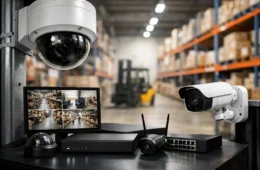
Network troubleshooting should happen before replacing equipment. Slow internet, dropped WiFi, unreliable phones, or camera problems can come from many causes: cabling, bad placement, overloaded hardware, weak settings, old switches, ISP issues, or configuration problems.
Buying new equipment without troubleshooting may hide the problem for a while or fail to fix it at all. Cloud 504 starts by looking at the whole network path, from the internet connection to the device having trouble.
What Network Troubleshooting Checks
- Internet modem and service performance.
- Router, firewall, switch, and access point health.
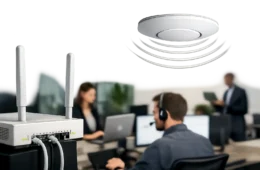
- WiFi signal strength, interference, and access point placement.
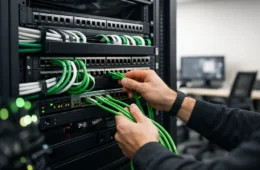
- Patch cables, wall jacks, and structured cabling.
- Device count, guest traffic, camera traffic, and phone traffic.
Good network troubleshooting also looks at how the business uses the network. A small office with cloud apps has different needs than a restaurant with point-of-sale devices, guest WiFi, cameras, music, and phones. Understanding the real environment helps avoid the wrong fix.
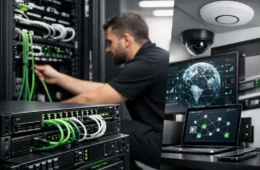
Cloud 504 provides IT networking services for troubleshooting, upgrades, WiFi improvements, cabling, and secure network configuration.